Drones and worlds for your test flights.
Add drones, places to fly and a moving truck to your test flights in FORGE Studio.
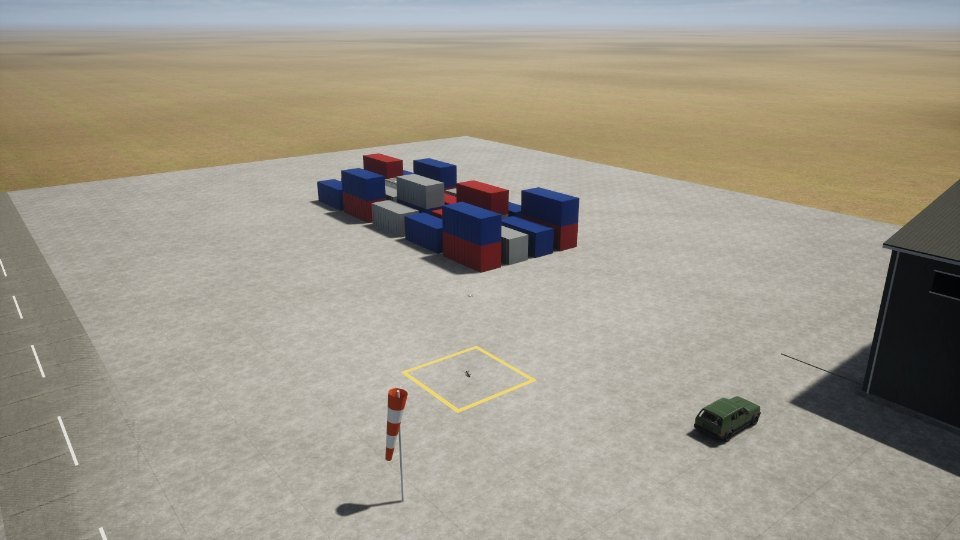
Available Now
Free for now. New ones appear here and inside FORGE Studio.
Everything in the Marketplace.
A drone to fly, with its numbers, 3D model and settings. In Studio: Setup › Vehicle
A place to fly, with ground, buildings and weather. In Studio: Simulate › Where it flies
Things around the drone, like a truck or smoke. In Studio: Simulate › Actors
How to Get One
- Open the MarketplaceIn Studio: Simulate › Marketplace.
- Press GetStudio downloads it and checks it came from UVIRA.
- Fly with itA drone under Setup › Vehicle, a world under Simulate › Where it flies, an actor under Simulate › Actors.