Learn drone programming by flying.
Lessons in FORGE Studio with a virtual drone, from your first take-off to your own algorithm.
Lesson Path
9 lessons in order, about 9 hours 27 minutes in all.
The short version: Set up your IFC 1.3 in four steps
-
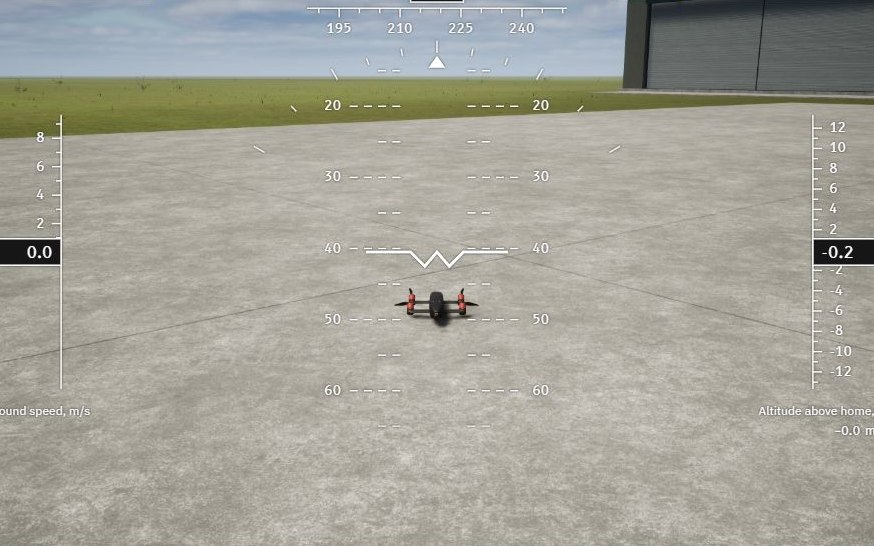 Lesson 1: First steps
Getting started
Take off, fly seven flight modes and watch the flight again.
Open lesson 1 -
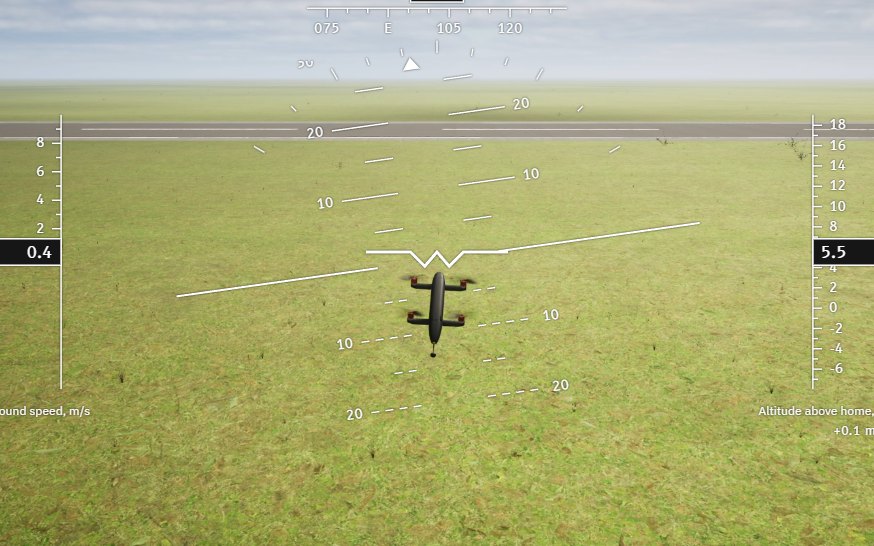 Lesson 2: FORGE blocks
Your first program: a square
Read your first FORGE program, fly it and change it.
Open lesson 2 -
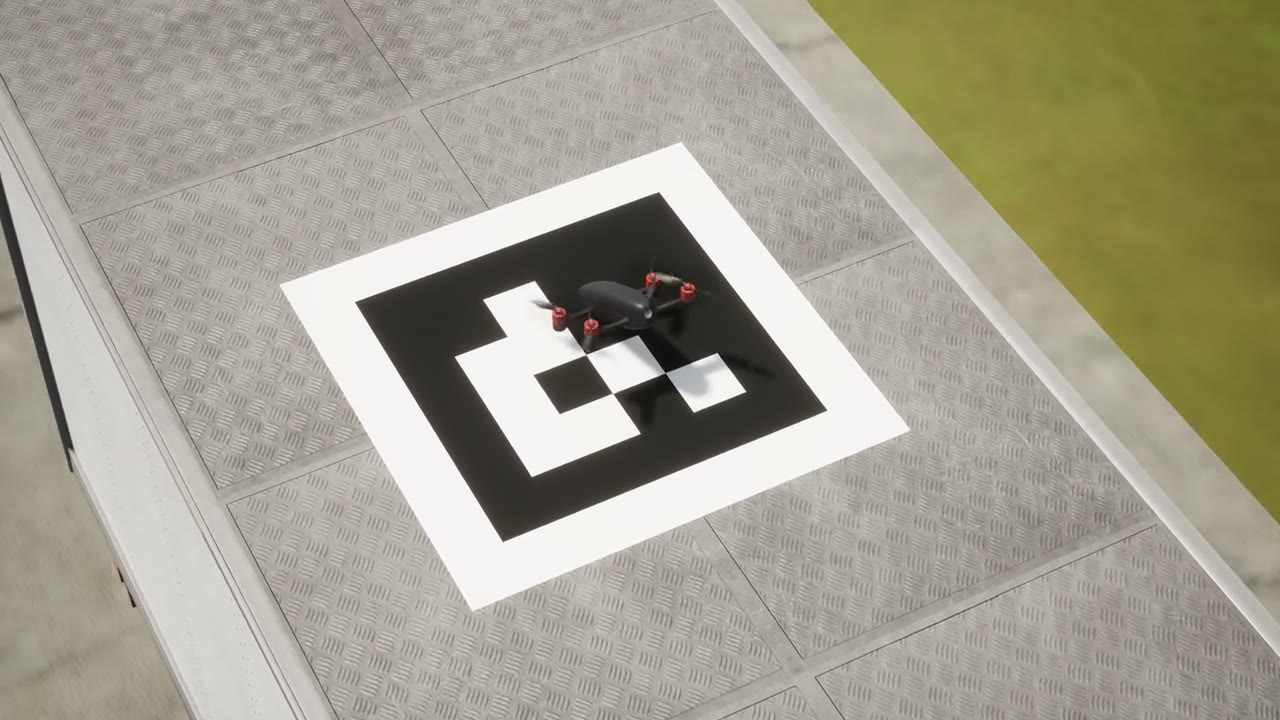 Lesson 3: FORGE blocks
Land on a moving truck
Follow a moving truck, switch to the camera and land on it.
Open lesson 3 -
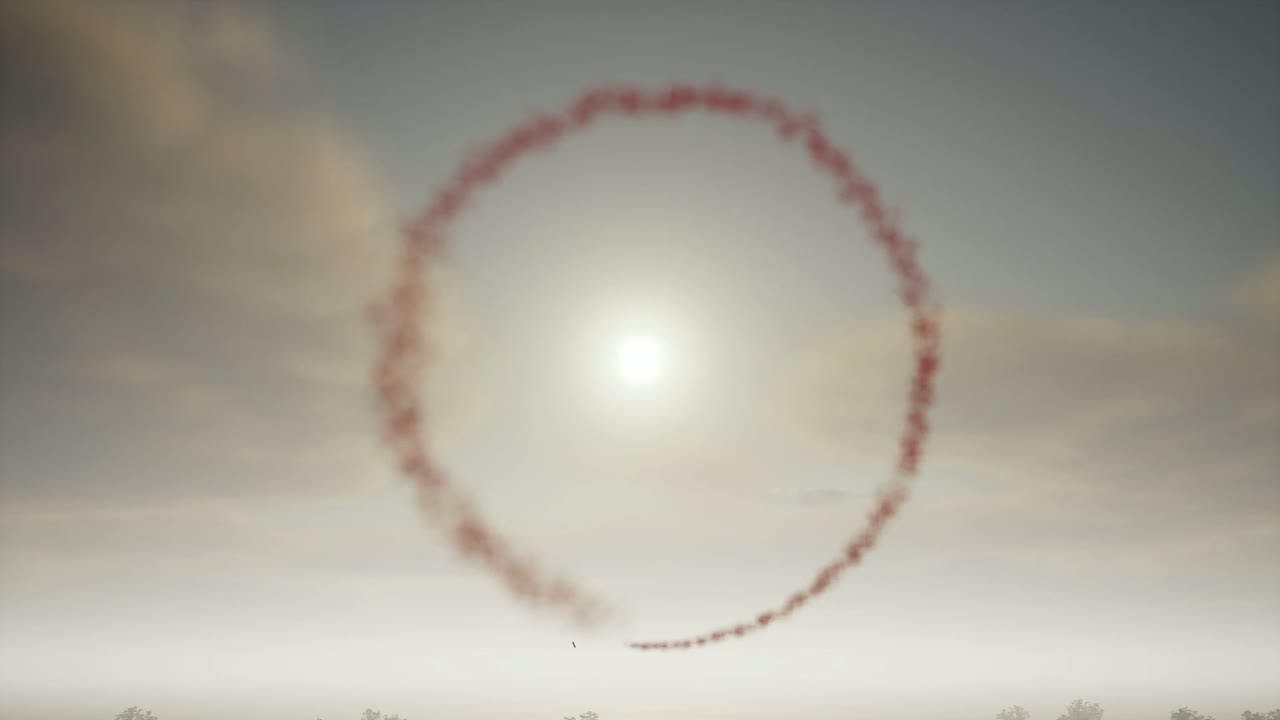 Lesson 4: FORGE blocks
Fly a loop
Fly a vertical loop, with a rescue path in case it goes wrong.
Open lesson 4 -
 Lesson 5: FORGE blocks
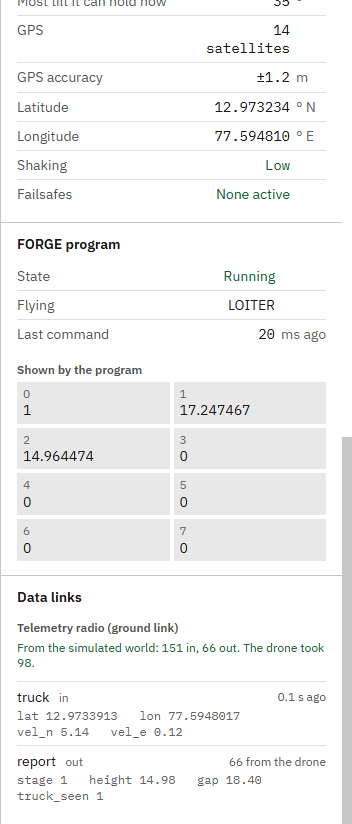
Talk both ways: follow the truck and report home
Send data up to the drone and down to the ground, and read it live and from the recording.
Open lesson 5 -
Lesson 6: FORGE blocks
Bring your own devices in
Prove your own ground device and companion computer in FORGE Studio, then fly them.
Open lesson 6 -
 Lesson 7: Your own program
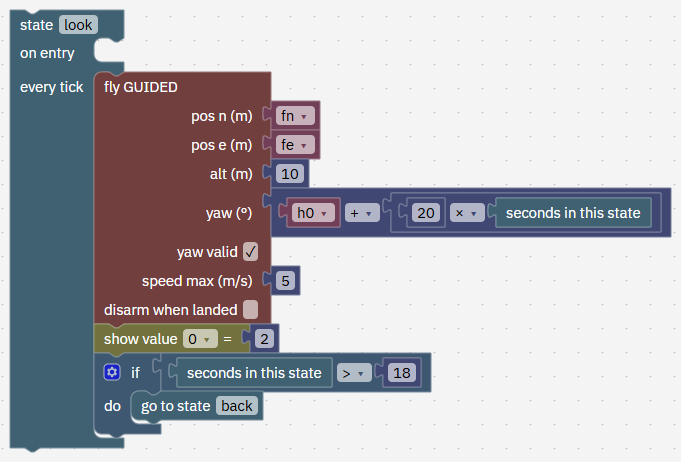
Your own program: look around
Build your own algorithm from an empty program, with five states.
Open lesson 7 -
 Lesson 8: The math model
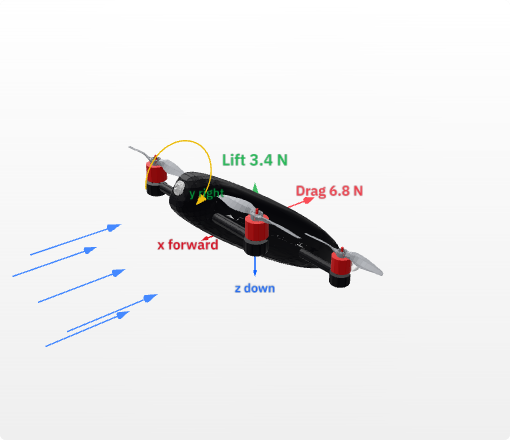
The math model of a drone, with the QC-02
The numbers that make up a drone, and how to check them.
Open lesson 8 -
 Lesson 9: Your own drone
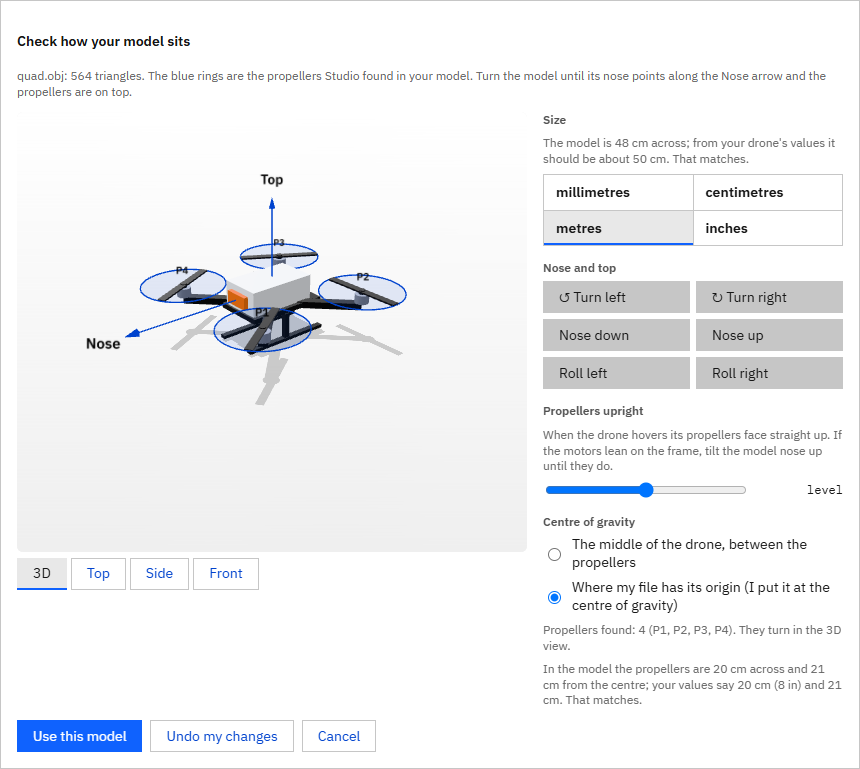
Your own drone: its math model and its config
Fly your own drone in the simulation and set up its flight controller.
Open lesson 9
Learn It with Your AI
An AI app connected to Studio teaches any lesson, step by step.
Ask it, for example:
Teach me Getting started
Connect an AI app- Do it with me
- You press the buttons. It points the way and checks each step.
- Show me
- It does each step in Studio while you watch.
- Just explain
- It talks you through the lesson and leaves Studio to you.
Say skip at any step, or switch ways whenever you like.
Before You Start
A Windows PC and FORGE Studio, free until 31 December 2026.