Generalizing Special Application Drones
Because your drone deserves better.
FORGE Studio is a complete simulation and algorithm development suite. Build your drone’s own algorithm, prove it on the real flight controller in simulation mode, then switch to Real Flight mode.Build your drone’s algorithm in FORGE Studio, prove it in simulation mode, then fly it for real.
The FORGE Studio download opens soon. Write to support@uvira.in and we will send it to you the day it does.
Designed in India.
A loop done in FORGE Studio.
The Problem We Solve
Most drone algorithms meet their flight controller for the first time in the air. With UVIRA, yours meets it on your desk.
General practice
- Write codeBy hand.
- Simulate on a computerWithout the real flight controller.
- Test in the airSurprises show up in flight.
With UVIRA
- Build with blocksIn FORGE Studio.
- What we solveSimulation modeYour IFC 1.3 flies your drone’s math model, real-world physics included.
- Real Flight modeSwitch the drone off and on. It flies the way it flew in simulation.
Watch how it works
One minute: a drone that lands on a moving truck, from its first setting to its landing, all in FORGE Studio.
A Complete Simulation and Algorithm Development Suite
Design your drone’s own algorithm and test it in a 3D world, with the real flight controller flying it. Every flight is recorded for you to study.
-
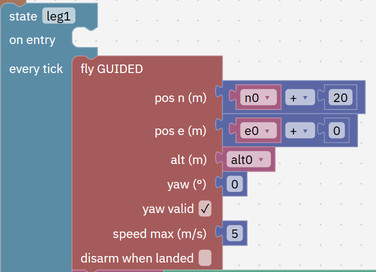
DevelopDecide how your drone moves, reacts and lands, block by block. Studio checks each one. -
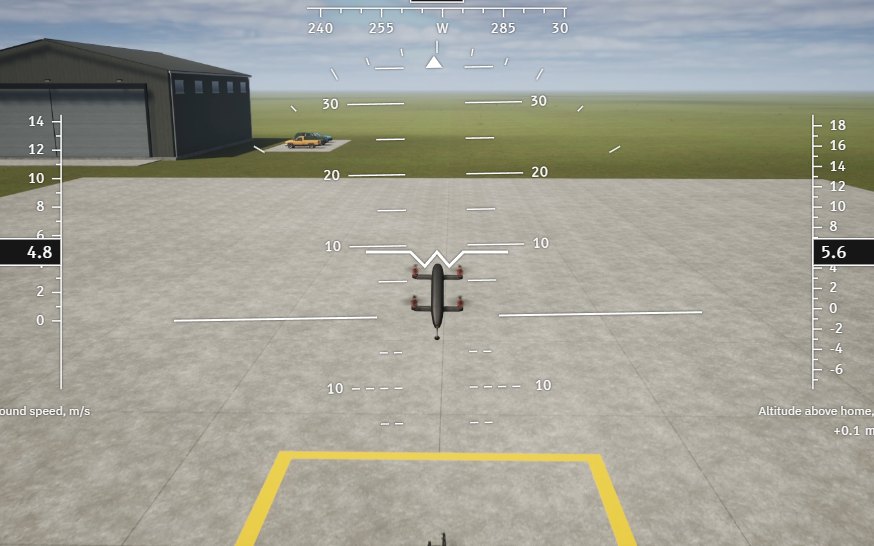
SimulateYour drone in a 3D world, with wind, GPS and sensors that make real mistakes. -
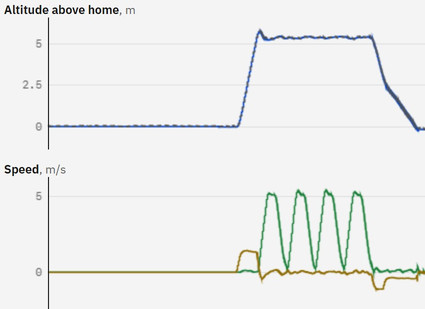
AnalyseEvery flight is recorded. Replay it and see each value over time.
Your AI App Helps at Every Step
Link FORGE Studio to the AI assistant you already use, signed in with your UVIRA account. It works in Studio beside you.

It can
- Fill in your drone’s model from your answers
- Build your algorithm from blocks while you watch
- Fly test flights in FORGE Studio
- Read your flights and write a report
- Show you the next button to press
It never
- Starts the motors or flies your real drone
- Changes the software on your flight controller
- Changes a setting on your real drone without asking you first
What You Get
The board goes in your drone. FORGE Studio runs on your Windows computer.
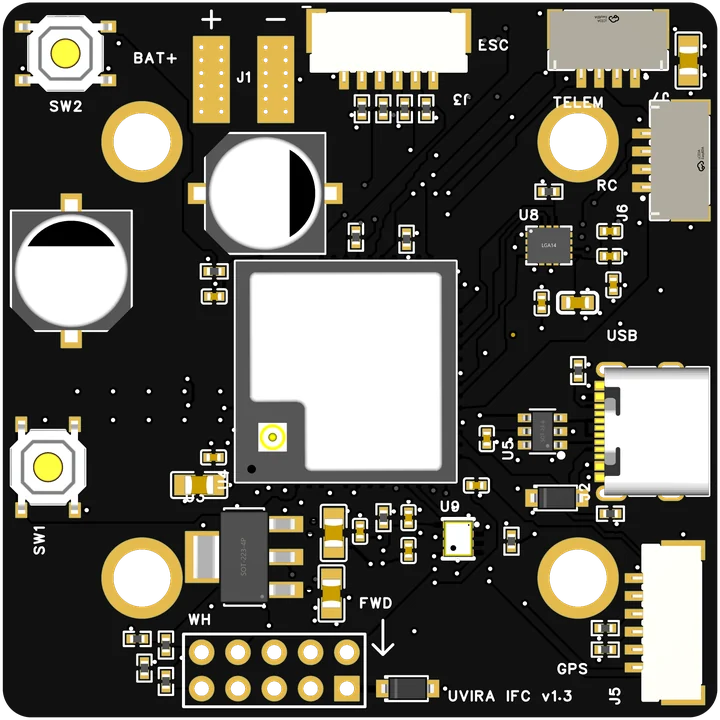
Flight controller
The IFC 1.3: the board in your drone that runs your own algorithm. Rs 35,000 incl. GST Buy the flight controller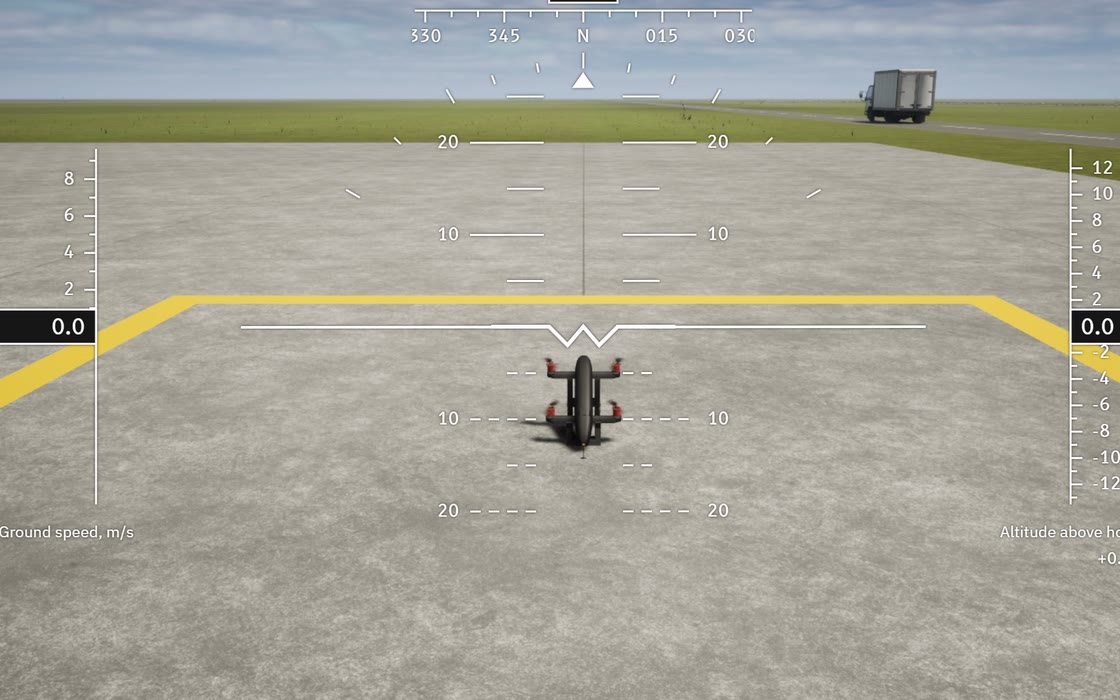
FORGE Studio
The Windows software: build your own algorithm from blocks and prove it before it flies. Free until 31 December 2026, then Rs 3,000 a month + GST per engineer. Students: Rs 199 a month. See FORGE StudioMade for Builders
Industries
See the flight controllerResearchers
See FORGE StudioStudent teams
See the student priceColleges and labs
Ask for a quotation
First Flight
Fly a virtual drone tonight, before you own a board.
The FORGE Studio download opens soon. Write to support@uvira.in and we will send it to you the day it does.
-
Download FORGE StudioFree, for Windows. Start the virtual flight controller.
-
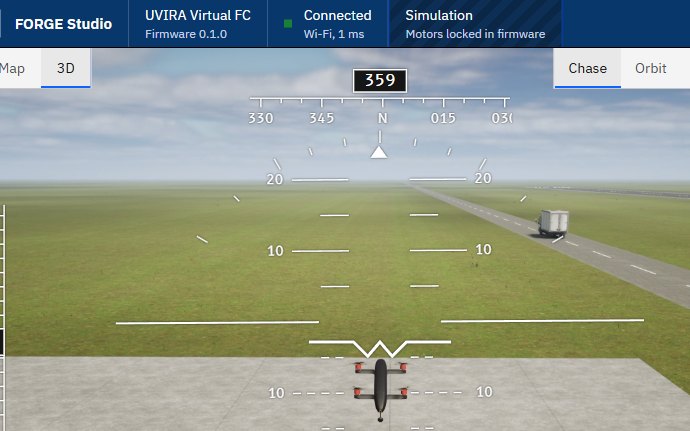
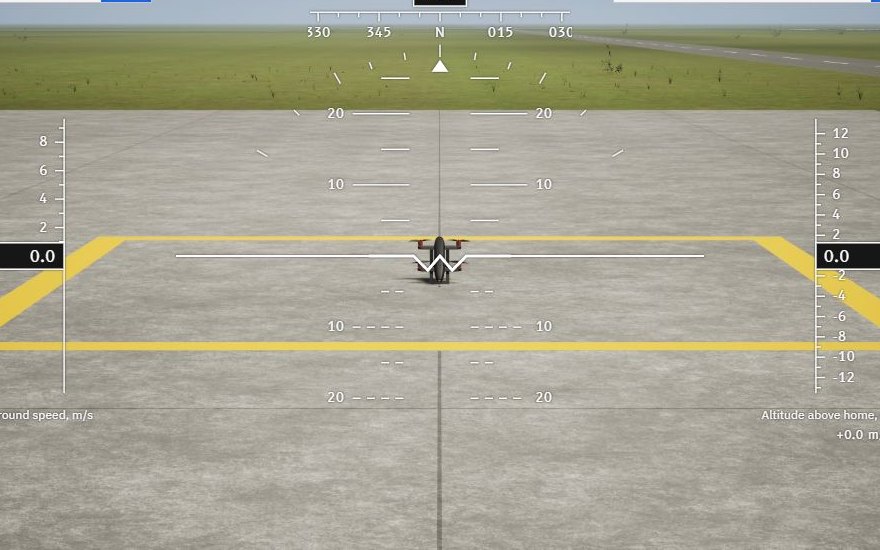
Take the first lessonAbout 45 minutes, seven flight modes.
-
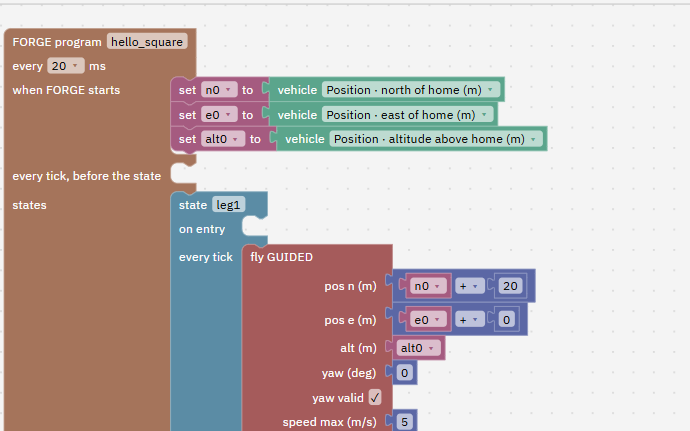
Build a FORGE programA few blocks, and the drone flies it by itself.
Answers
- Can I run my own algorithm?
- Yes, that is what FORGE blocks are for. You build it without code, and it runs on the flight controller itself.
- Will it fit my drone?
- Four-rotor drones (quad X) with common motor controllers and a hobby radio. GPS is optional.
- What if I stop paying?
- Your drone keeps flying with the FORGE programs already on it. Flying, setup and tuning in Studio stay free.
- Who answers my questions?
- The team that designed it, in Hyderabad. Write to support@uvira.in; a person replies within 1 working day.