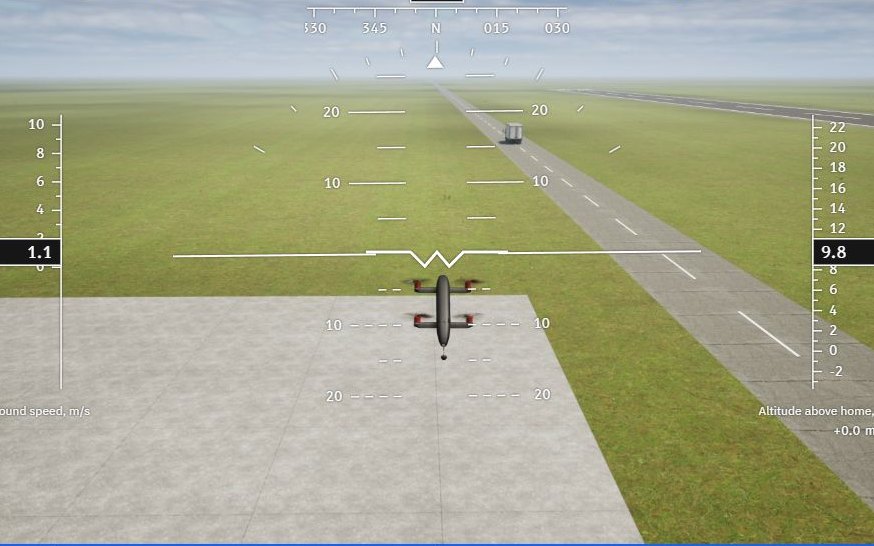
Build, test and fly your drone’s own algorithm.
A complete simulation and algorithm development suite: build your own algorithm from blocks, prove it on the flight controller in simulation mode with your drone’s math model, then switch to Real Flight mode.
The Whole Workflow in One Minute
A drone that lands on a moving truck, from its first setting to its landing, all in FORGE Studio.
Inside FORGE Studio
-
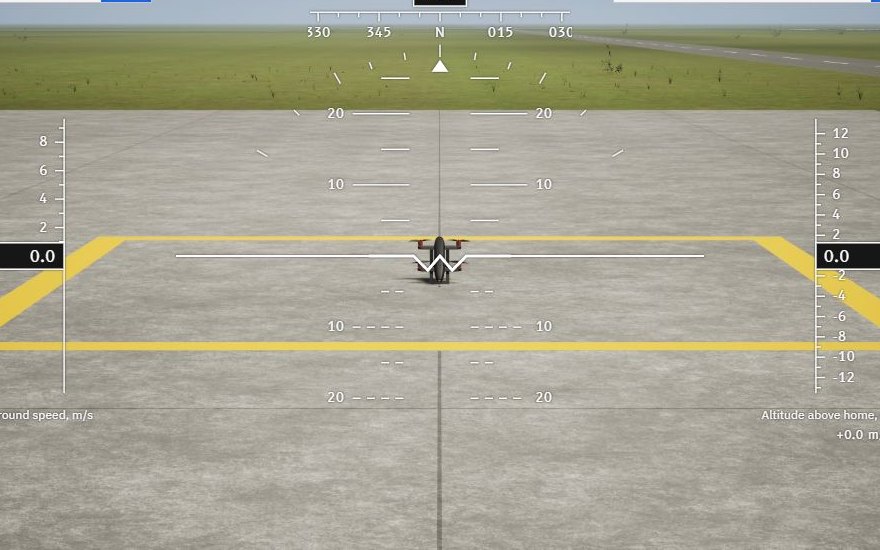 Test FlightsWind, real sensor errors and a 3D view.
-
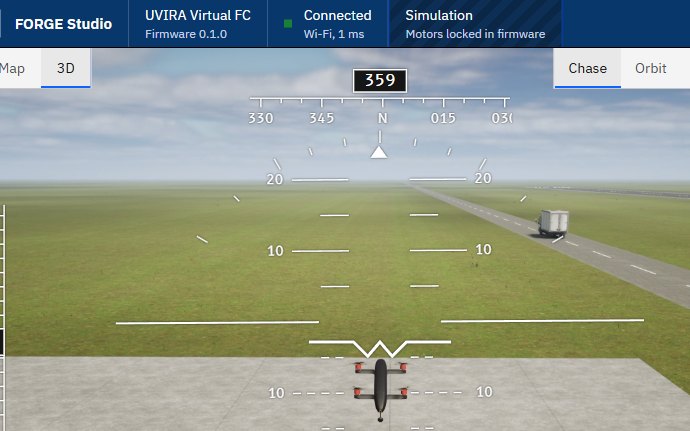 Virtual Flight ControllerIt runs on your PC, so you can start without a board.
-
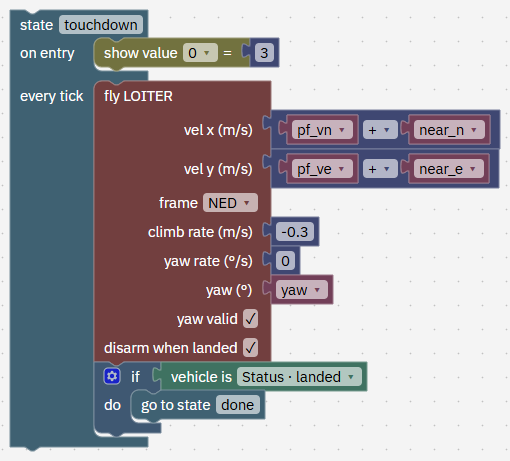 FORGE BlocksHow your drone moves, lands and decides, built from blocks. Studio checks it before it flies.Build your first program
-
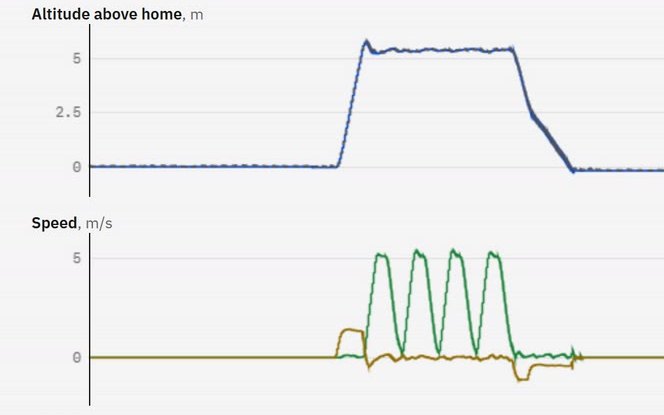 AnalyseReplay any flight and plot its height, speed and tilt.
-
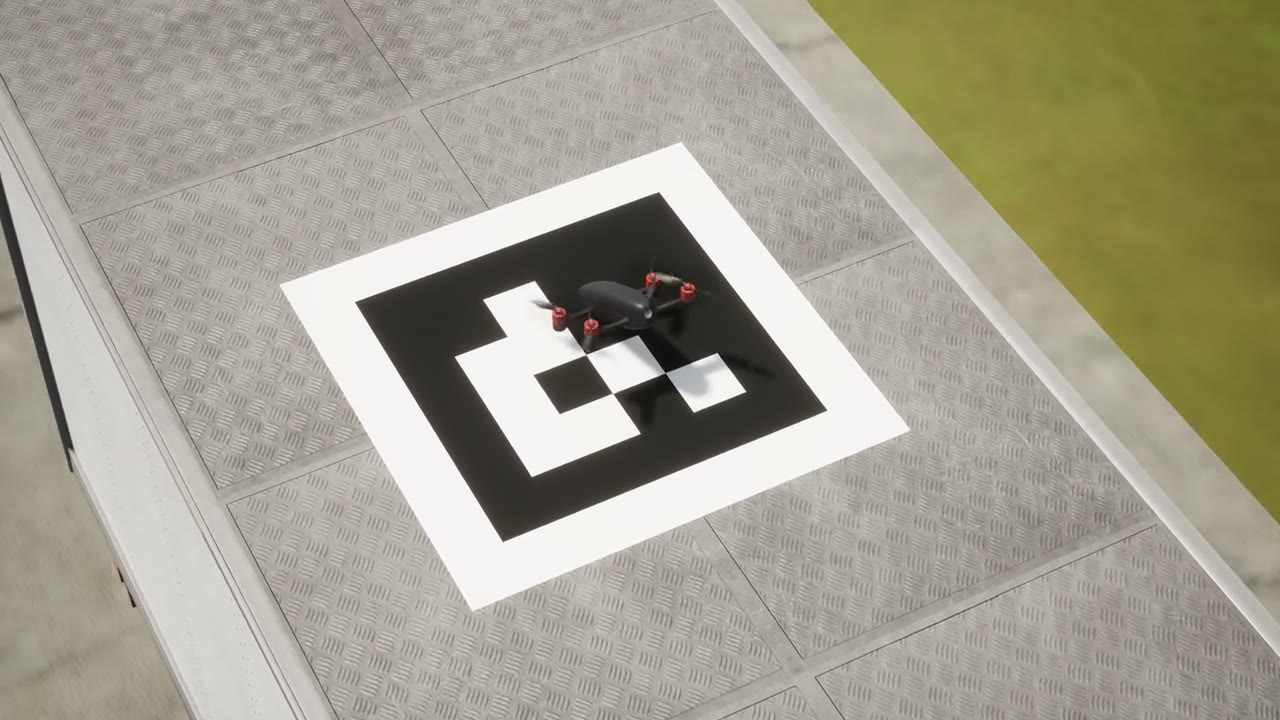 LessonsFrom your first take-off to landing on a moving truck.See the lessons
-
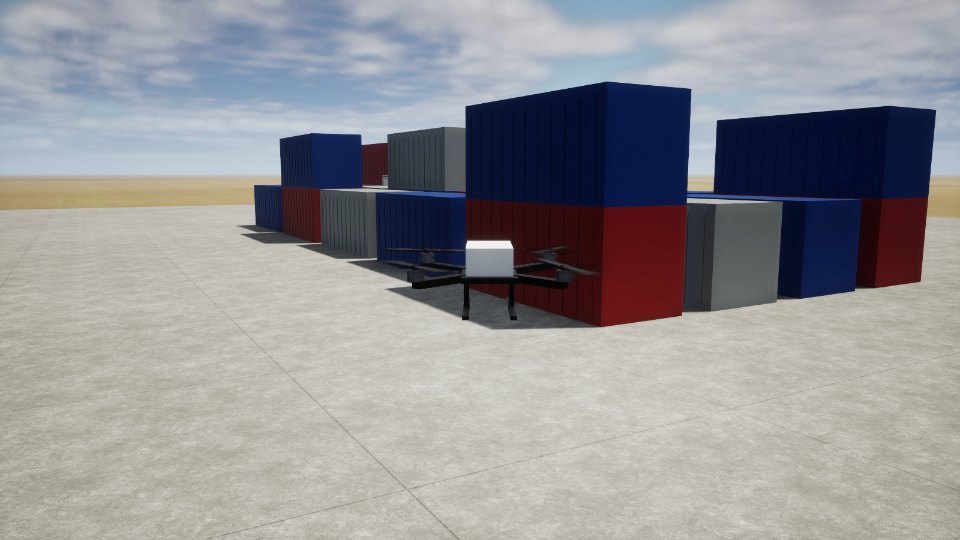 MarketplaceDrones, places to fly and a moving truck for your test flights.See the Marketplace
Your AI App Helps at Every Step
Ask in your own words. Your AI app builds the FORGE program and tests it on a virtual drone.
Build a program that takes off, flies a 20 m square at 10 m and lands.
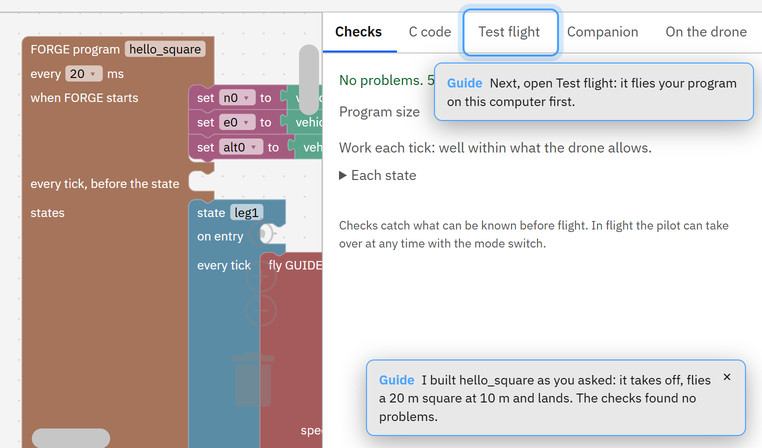
It can
- Build and change your programs
- Fly them in FORGE Studio
- Write reports on your flights
- Change settings on the ground, once you say yes
It never
- Starts the motors or flies your real drone
- Changes the software on your flight controller
- Changes how the board connects to your computer
Safety
Only you command your drone: with your radio, or from your own paired computer.
- Paired
- Your flight controller takes commands only from its paired computer.
- Signed
- UVIRA signs every update for the board and for Studio. Each is checked before it installs.
- Watched
- If a program goes wrong in the air, the drone's own flight modes take over.
- Yours
- Your drone keeps flying its programs, with or without a Studio subscription.
Get FORGE Studio
Start with a virtual drone tonight, without a board.
- Windows 10 or 11, 64-bit
- 8 GB of memory recommended, about 3 GB of disk
- Internet to sign in, then offline up to 14 days
- Wi-Fi to reach your flight controller
Free until 31 December 2026, then Rs 3,000 a month + GST per engineer, or Rs 199 a month for students. Flying, setup and tuning stay free.
Fly it on your own drone: Buy the flight controller